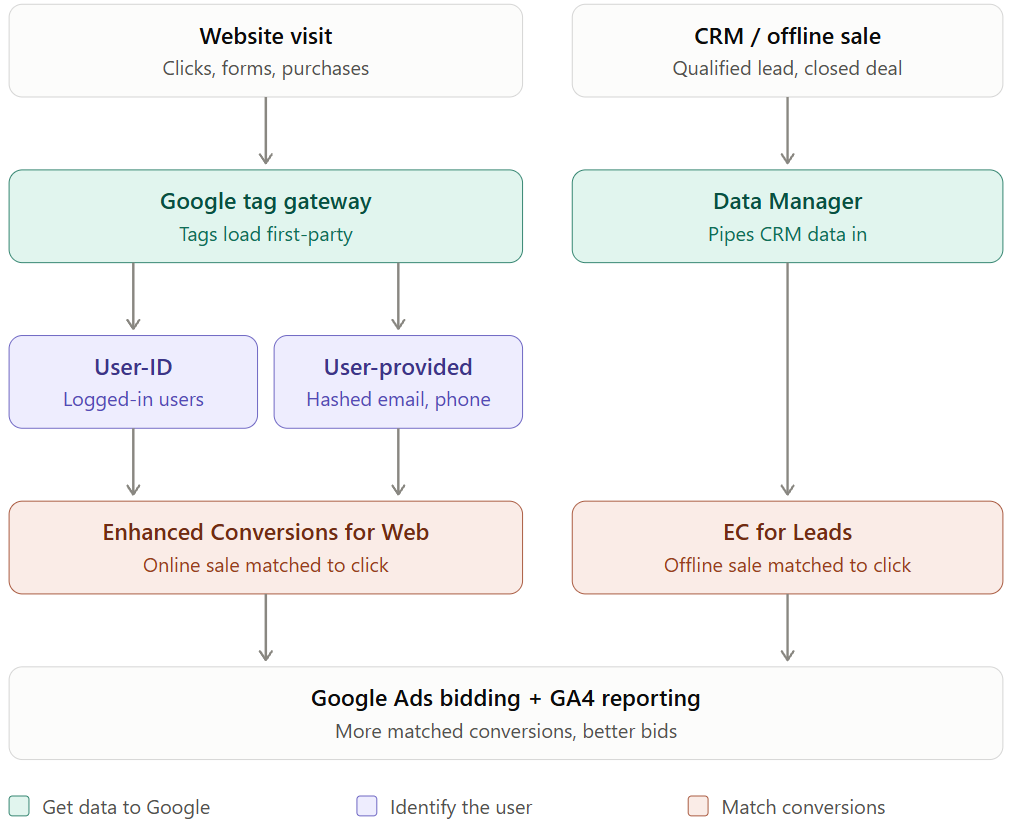
From Gaps To Strengths - Better Signals for Smart Bidding
Google tag gateway, User-ID, enhanced conversions and Data Manager fix different measurement gaps. Discover Google Data Strength.

GTM Utility is a Google Tag Manager audit and publishing tool for marketers and digital agencies. The GTM container visualizer maps tags, triggers and variables as a dependency flowchart and lists every parameter in GA4, Google Ads conversion and remarketing tags, and Floodlight tags, for the latest version or any active workspace. Audit your container, schedule publishing for the time you choose, and get automatic annotations in Google Analytics for every release.
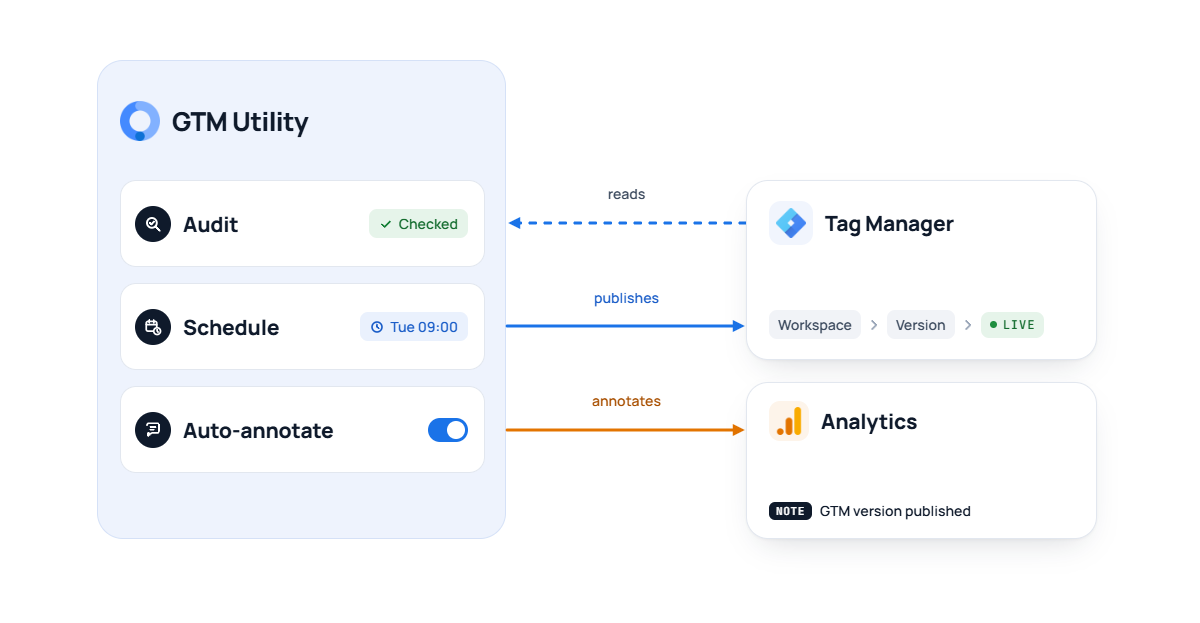
No more Friday-evening releases. Schedule GTM workspace publishing for the right moment, even when you’re offline, and get an automatic Google Analytics annotation for every release, so clients and analysts see exactly what has changed.
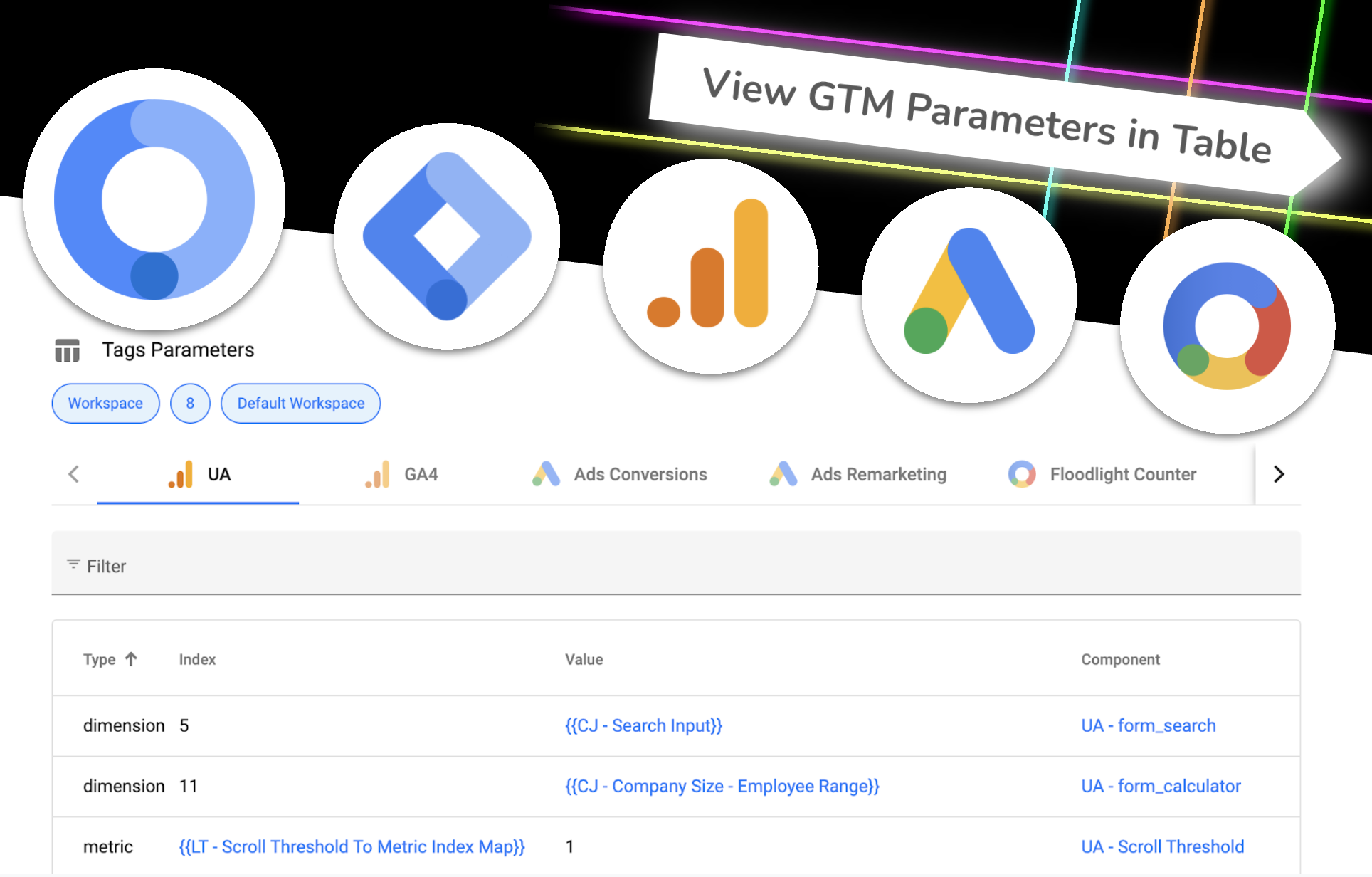
Easily find the location and values of all set parameters of Google Analytics, Google Ads and Floodlight. Easily copy to spreadsheet.
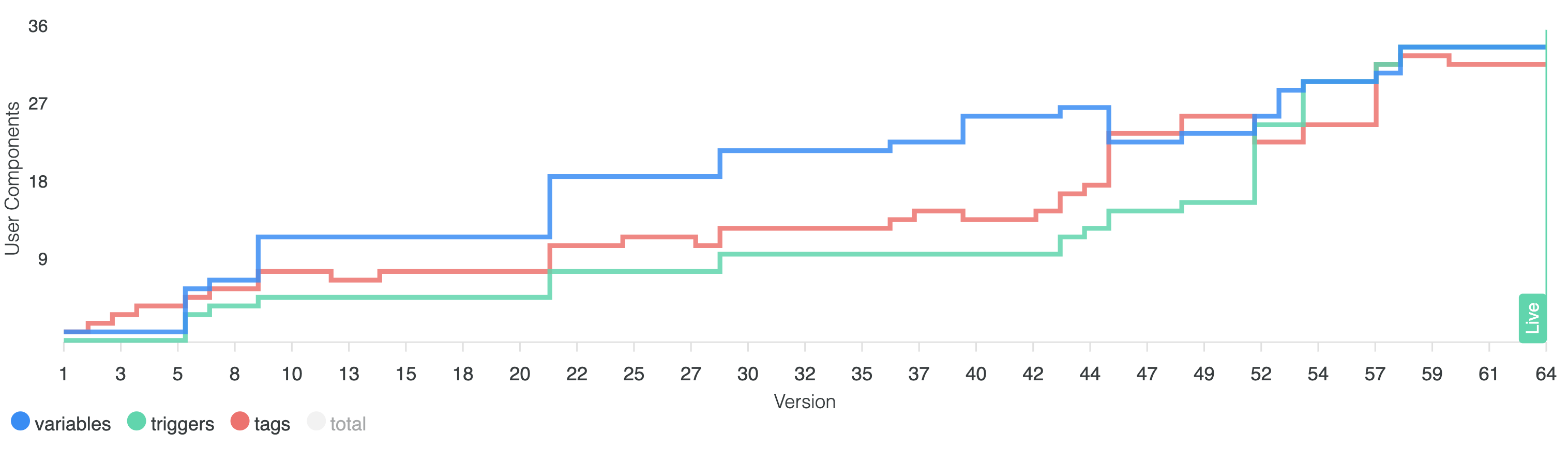
See how GTM container was evolving and growing in size. Get a count of used variables, triggers and tags at each version release.
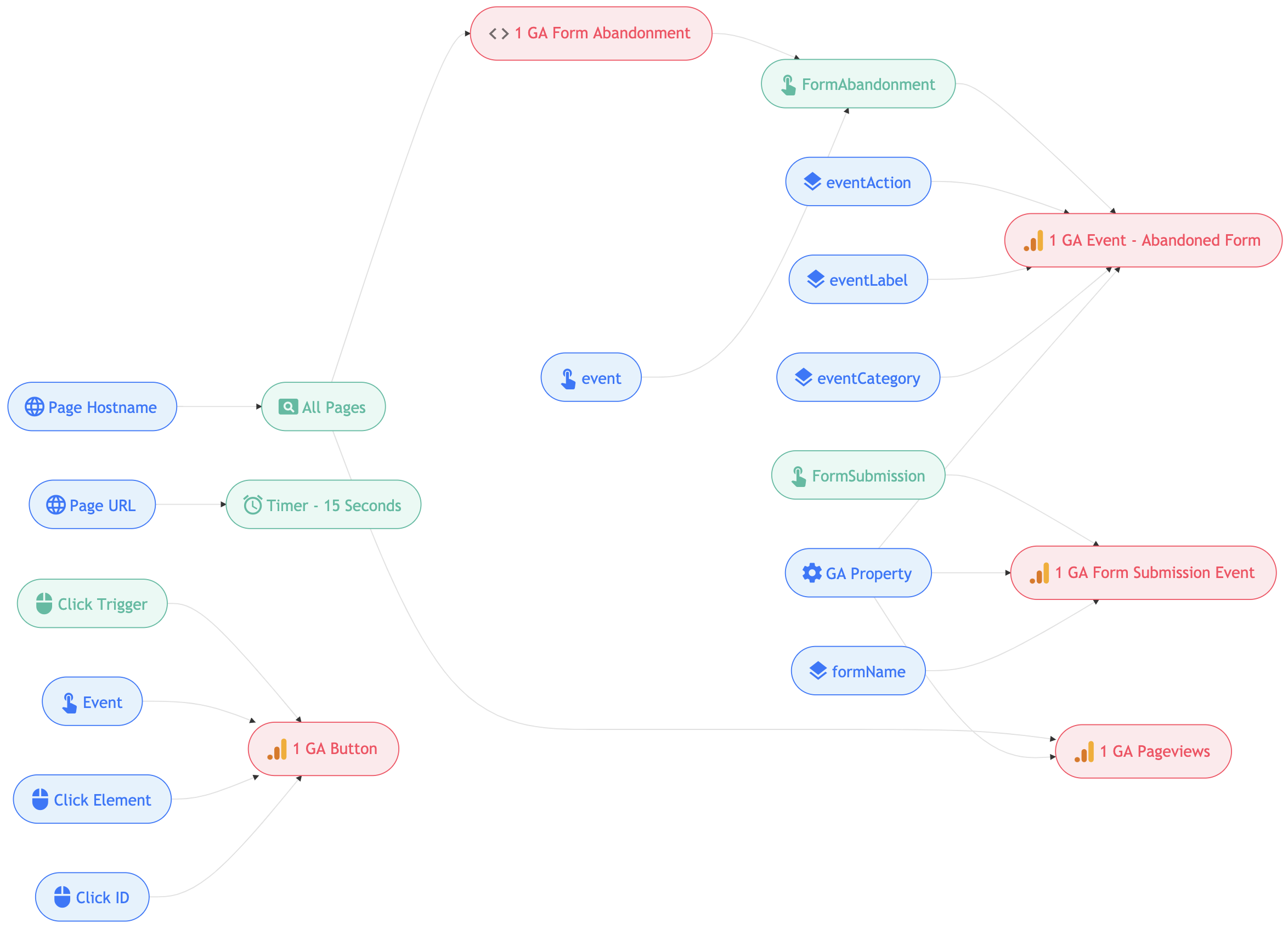
The flowchart visualizes the container setup. See how tracking works with all its connections between tags, triggers and variables in web and server containers.
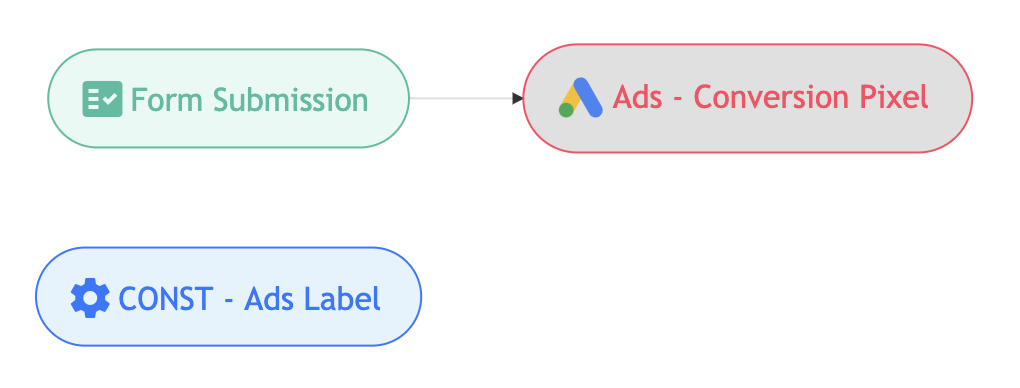
Especially helpful for cleaning out unused variables, since the only quick way to see its references in GTM, is by going inside of each and every variable.
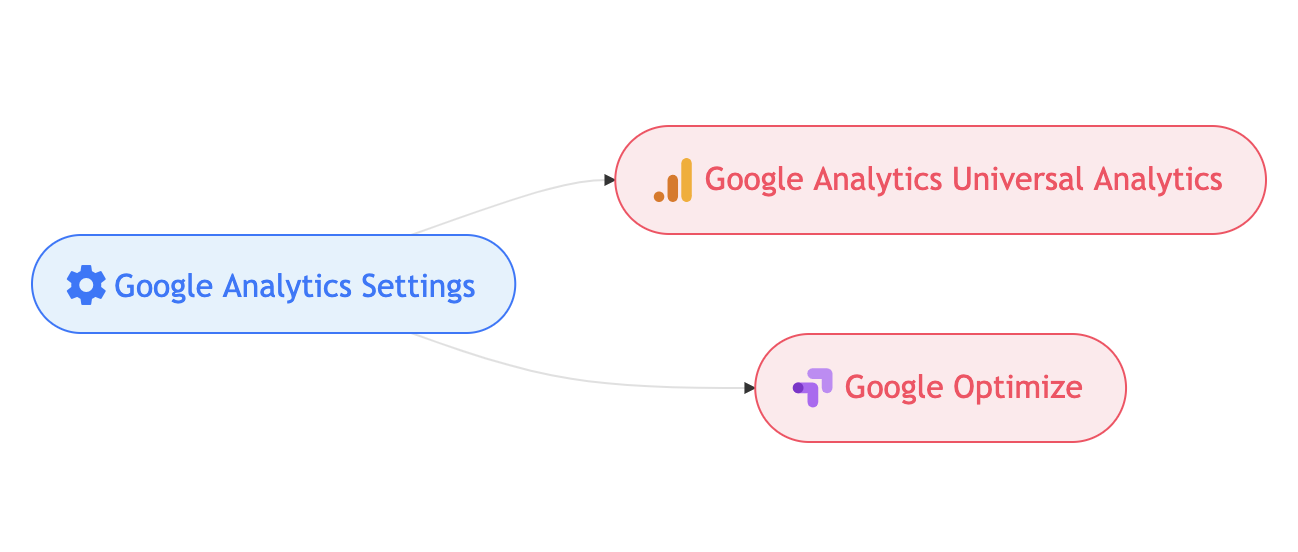
More complex tracking setup may still have too much to view at. Zoom into references of the selected tag, trigger or variable. How many variables are involved into making a tag work and send correct data to the vendor?

Identify Tag-Trigger-Tag relationship. Provides an insight into which custom event triggers get fired by an event push into dataLayer from within HTML tags.
Google tag gateway, User-ID, enhanced conversions and Data Manager fix different measurement gaps. Discover Google Data Strength.

Delete every unused variable in a Google Tag Manager container from the interface itself in seconds. A short console script and no external tools.
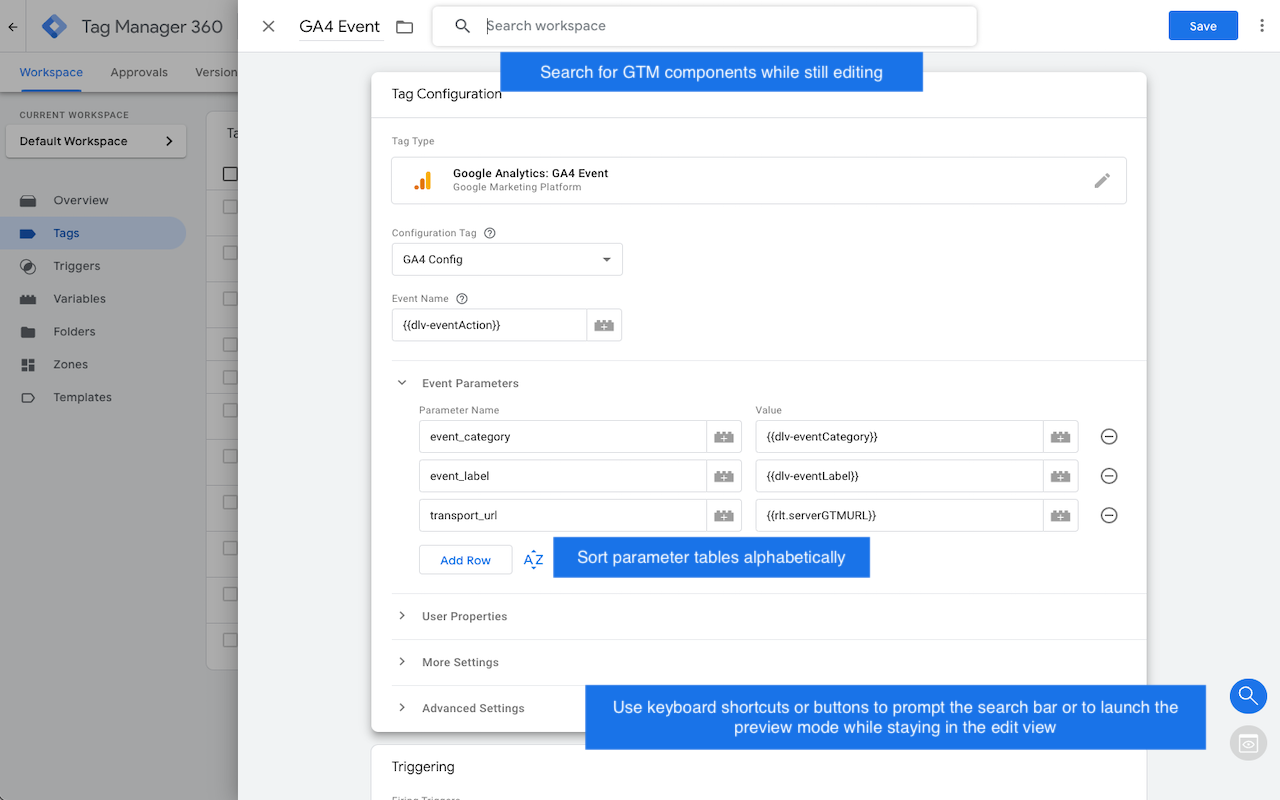
GTM Plus is a Chromium extension for Google Tag Manager. Search and view any component without leaving the current view.
Pick any workspace or version and see how tags, triggers and variables connect. Find every GA4, Google Ads and Floodlight parameter in one table, and check which agency and Ads account each conversion tag belongs to. Then schedule the publish and get an automatic Google Analytics annotation for the release. Visualizing is free.